
04 / 09 3 min read
Booking system
Customers see open times and choose for themselves.
For services with limited slots: clinics, salons, workshops, or consultants. Customers choose a time that is still available. Event schedules that are only read, not booked, can be published as an announcement.
Brief first, then build. No consultation fee.
- Slots
- open and filled times are kept separate
- Form
- name, service, and notes are sent with the time
- Confirmation
- you can still decline or move a booking on WhatsApp
WHO IT'S FOR
Businesses losing time answering “what time is available?”.
Hourly services
Salons, clinics, consultants, private lessons, and workshops with queues.
Short-term space rental
Studios, courts, or rooms rented per session.
THE PROBLEM
One schedule is spread across too many chats.
When open times only live in the admin’s head, two people can be given the same slot.
Times are asked repeatedly
Customers suggest several times, the admin rejects the filled ones, and the same conversation repeats.
The book and the chat disagree
The book says full, the chat reply says open.
Nobody records requests outside working hours
A late-night message is read tomorrow, but the slot has already been taken.
The service is unclear
“Tomorrow at 10” does not say which treatment, duration, or therapist.
- Rina asks for 14:00
- Andi also asks for 14:00
- Notebook 14:00 is full
- 14:00 Rina pending
- 15:00 Andi confirmed
- 16:00 still open
One source anyone can open, not answers buried in chat.
WHAT WE BUILD
What customers see and what admins see.
01
Service list
Name, duration, price if any, and who performs it.
02
Slot calendar
Open days and times. Filled slots can no longer be selected.
03
Booking form
Name, phone, service, time, and notes. For example, symptoms or number of people.
04
Check-in list
Admins see the day’s queue without reopening old chats.
05
Status
Pending, confirmed, completed, or cancelled. Changing status does not erase the original data.
Need a part that isn't on the list?
Tell us the flow. We'll decide whether it belongs in this service or as separate work.
HOW IT WORKS
From opening a time slot to a name appearing on the list.
- 01
Choose a service
Customers see the duration and price before choosing a day.
- 02
Choose a slot
Only open times can be clicked.
- 03
Fill in details
Name and requirements are sent together, so the admin does not ask again.
- 04
Confirm
You approve, move, or cancel, then reply to the customer.
The flow above can adapt to how you work. If a step doesn't fit, we change it in the brief.
Discuss your flowWHAT YOU PREPARE
Schedule rules must be decided first.
- Open days, start time, end time, and the length of one slot.
- Which services exist, their duration, and whether they can run at the same time.
- Who receives bookings and which number confirmations go to.
- Cancellation rules: how late a booking can be moved, and whether anything cannot be cancelled.
Not everything ready? Send what you have, and we'll help organize the rest.
Booking is not a cashier and not a medical record.
This system records appointments. Payment in person or by transfer stays outside store checkout unless requested separately. Medical patient data is not stored on a public website.
LIVE EXAMPLES
Examples for this service are discussed during the consultation.
Free consultationMORE DETAIL
Before choosing a booking system
Booking fits when slots are limited and your admin keeps answering the same time questions.
When it fits
When services have duration and limited slots, such as clinics, salons, workshops, consultants, or room rentals per session.
What it prevents
Open and booked slots are separated. The form combines service, time, and notes, and the admin sees the status.
How to measure it
Track completed bookings, cancellations, admin response time, and double-booking incidents.
COMMON QUESTIONS
Booking system questions
What to decide before online scheduling goes live.
It can be discussed. External calendar integration requires additional scope.
Still have a question?
Tell us what you need. We'll help you choose the package that makes the most sense for your business.
Free consultationRELATED ARTICLES
Read before choosing this service.
Short guides to help you compare before deciding.
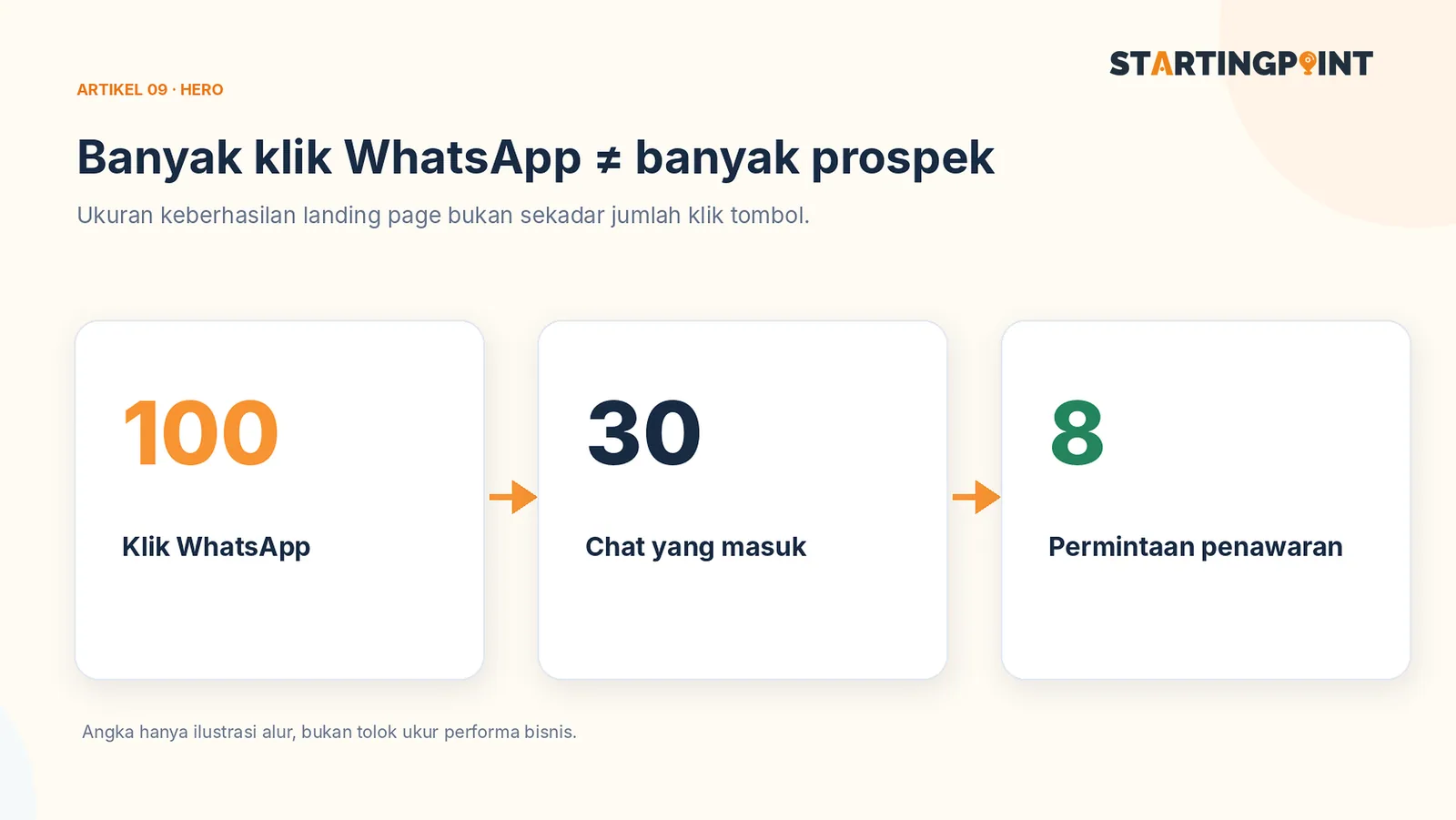
Landing Page for WhatsApp Business: It's More Than a Chat Button—Here's the Structure You Need
Learn the landing page structure that drives visitors to WhatsApp: headline, proof, FAQ, CTA, and lead measurement.
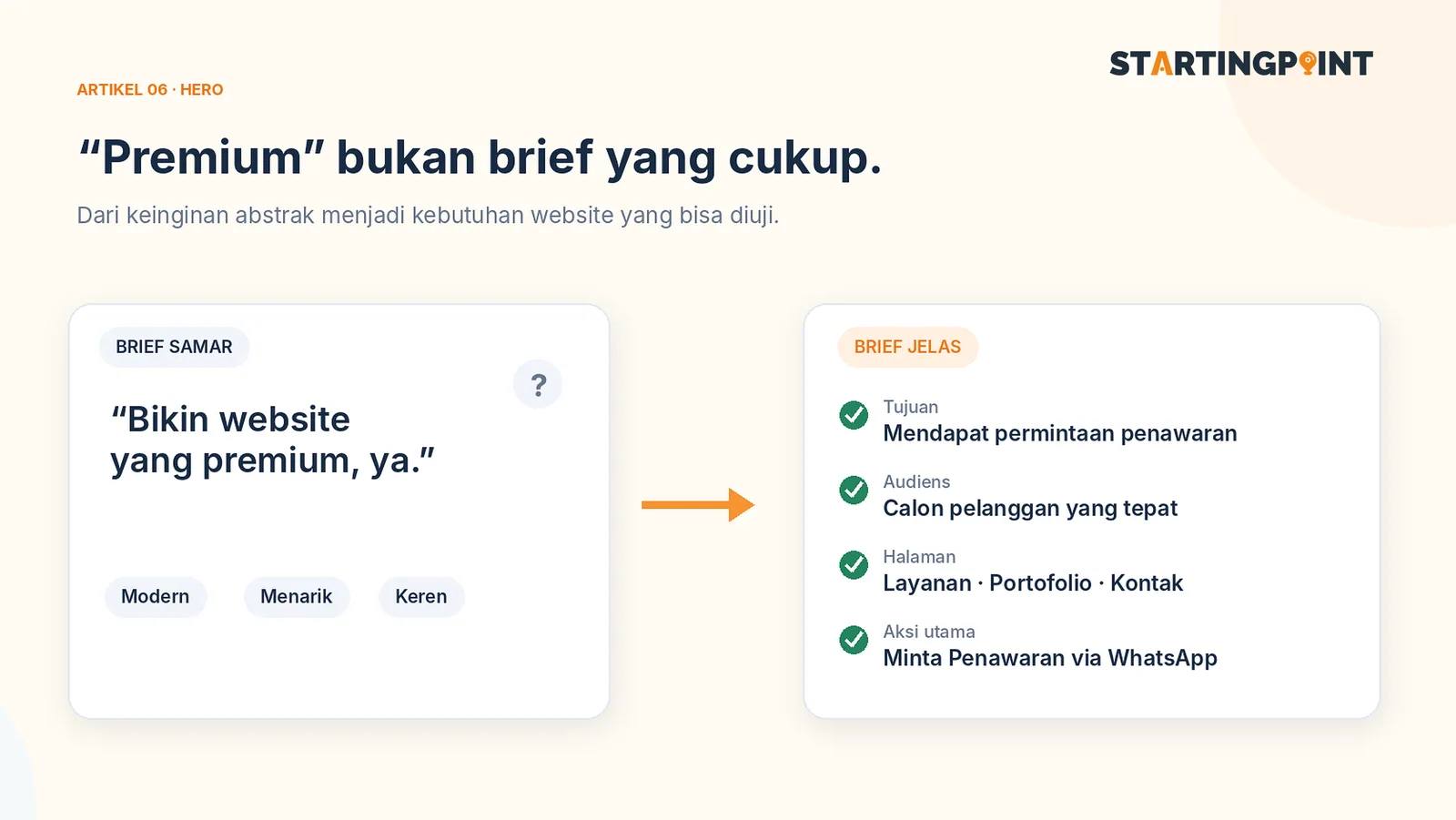
How to Write a Business Website Brief: A Checklist and Example You Can Use Right Away
Use a practical business website brief example: goals, target customers, features, content, CTAs, and what you need after the site goes live.
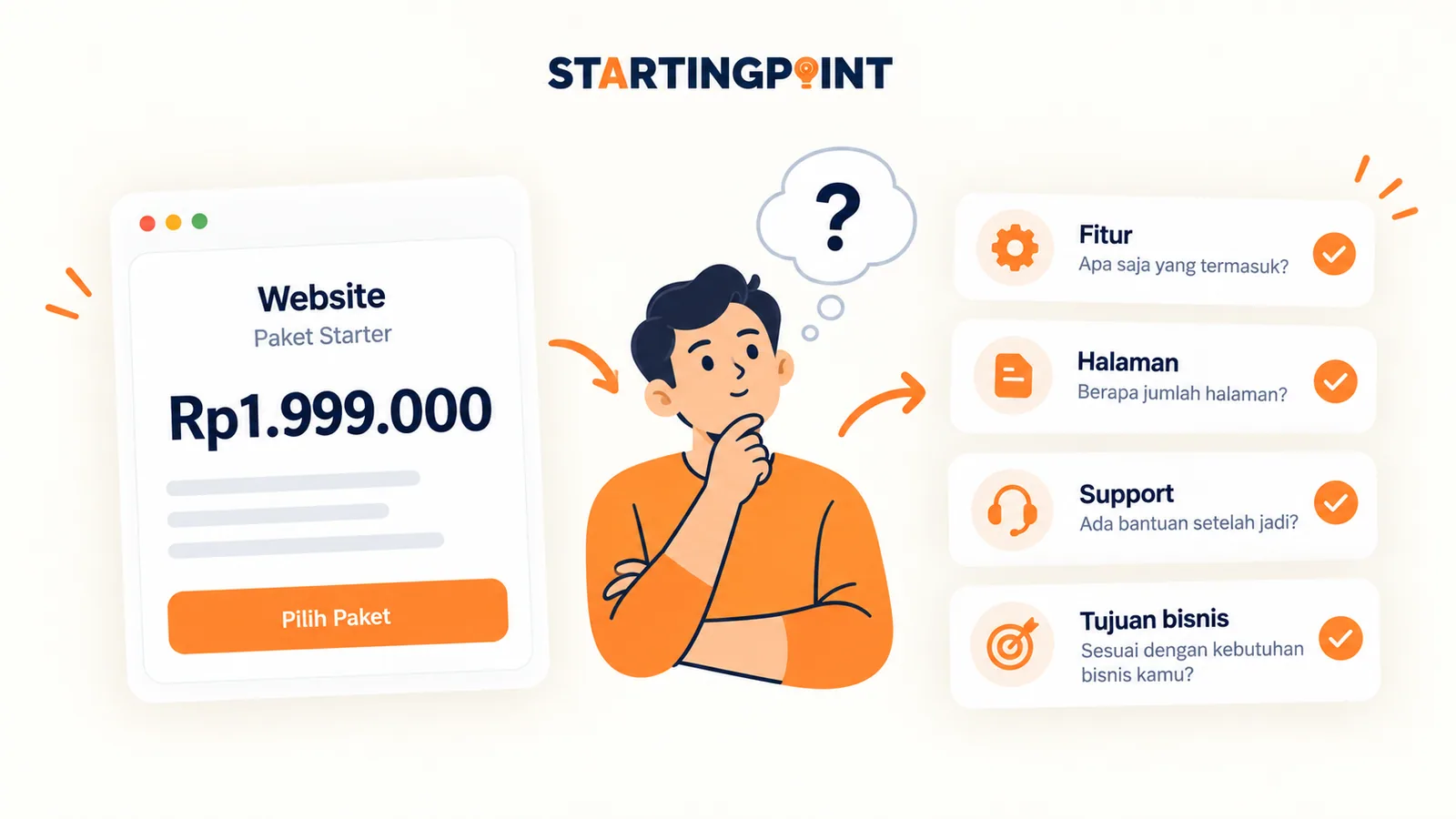
One-Time Payment vs Subscription Websites: Which Makes More Sense for Your Business?
One-time payment or subscription website? Learn the differences in cost, ownership, maintenance, and how to calculate the total.
START HERE
Ready to make your booking system work?
Tell us about your business and where it gets stuck. We'll help define the first step, without pushing features you don't need yet.
- Slots
- Form
- Confirmation