
05 / 09 3 min read
Course platform
Students enter class on your site, not in a chat group.
For tutoring, bootcamps, or internal training. Lessons are organized by session, students have accounts, and you can see who has opened a lesson.
Brief first, then build. No consultation fee.
- Student accounts
- only registered students can open lessons
- Class order
- sessions are not sent as loose files
- Progress
- see which lessons have been opened
WHO IT'S FOR
Teachers whose materials exist but whose home does not.
Paid classes
Tutoring, skills courses, or cohorts with new students each intake.
Internal training
SOPs and new-staff materials, so they do not have to be explained from scratch every time someone joins.
Exams or quizzes
When the class needs grades, not just videos. A live example: Kelas Ujian.
THE PROBLEM
A chat group is not a place to learn.
Materials sent in a group get buried. New students do not know where to start.
Files are out of order
PDFs for sessions 1 and 4 sit in the same Drive folder with no sign of which to read first.
Outsiders can still view
Links get shared again. You do not know who still has access.
You cannot see who is behind
Everyone stays quiet in the group, then exam time reveals many never opened the materials.
Registration is separate from class
Pay in one place, register in another form, receive materials in a third.
- PDF 1 buried
- PDF 4 out of order
- Assignment in another chat
- Module 1 complete
- Module 2 complete
- Module 3 not opened
One source anyone can open, not answers buried in chat.
WHAT WE BUILD
The areas teachers and students use.
01
Class page
Title, who it is for, schedule, and what students get at the end.
02
Lesson list
Module order: text, video, or file. Locked content stays locked until requirements are met.
03
Student accounts
Students sign in with their own account. Old intakes can be closed without deleting the materials.
04
Progress
Students see what they have completed. Teachers see who has not started.
05
Assignments or exams
If the brief asks: questions, deadlines, and grades. Not added when the class only hosts videos.
06
Registration
A new-intake form on the same website, with access granted after you confirm.
HOW IT WORKS
From registration to a student completing a module.
- 01
Register
Prospective students read the class content and fill in the registration form.
- 02
Get access
After you confirm, they enter only that class.
- 03
Follow the order
Modules open in sequence, not from a random folder.
- 04
Check progress
You see who stopped halfway before reminding them manually.
The flow above can adapt to how you work. If a step doesn't fit, we change it in the brief.
Discuss your flowWHAT YOU PREPARE
Materials need to be ordered before they are uploaded.
- A list of classes and who each one is for.
- Materials per session, already numbered.
- Access rules: pay first, admin approval, or partially open.
- If there are exams: number of questions, time limit, and passing grade.
Not everything ready? Send what you have, and we'll help organize the rest.
This is not Zoom and not a store with hundreds of products.
Classes run on the website. Live recordings are still uploaded by you. If you only sell a one-time downloadable file without student accounts, an online store is a better fit.
LIVE EXAMPLES
MORE DETAIL
Before choosing an LMS
An LMS fits when lessons are already organized and students need controlled access.
When it fits
When lessons must open in order, students change per cohort, and teachers need to see progress. Not a group chat full of loose files.
What it protects
Student accounts, lesson order, and progress. Teachers see who has not started before an assessment.
How to measure it
Track enrollments, completed lessons, assessment participation, and students who stop halfway.
COMMON QUESTIONS
Course platform questions
Three decisions that shape an LMS.
Yes, including video or embeds. Capacity depends on the selected package.
Still have a question?
Tell us what you need. We'll help you choose the package that makes the most sense for your business.
Free consultationRELATED ARTICLES
Read before choosing this service.
Short guides to help you compare before deciding.
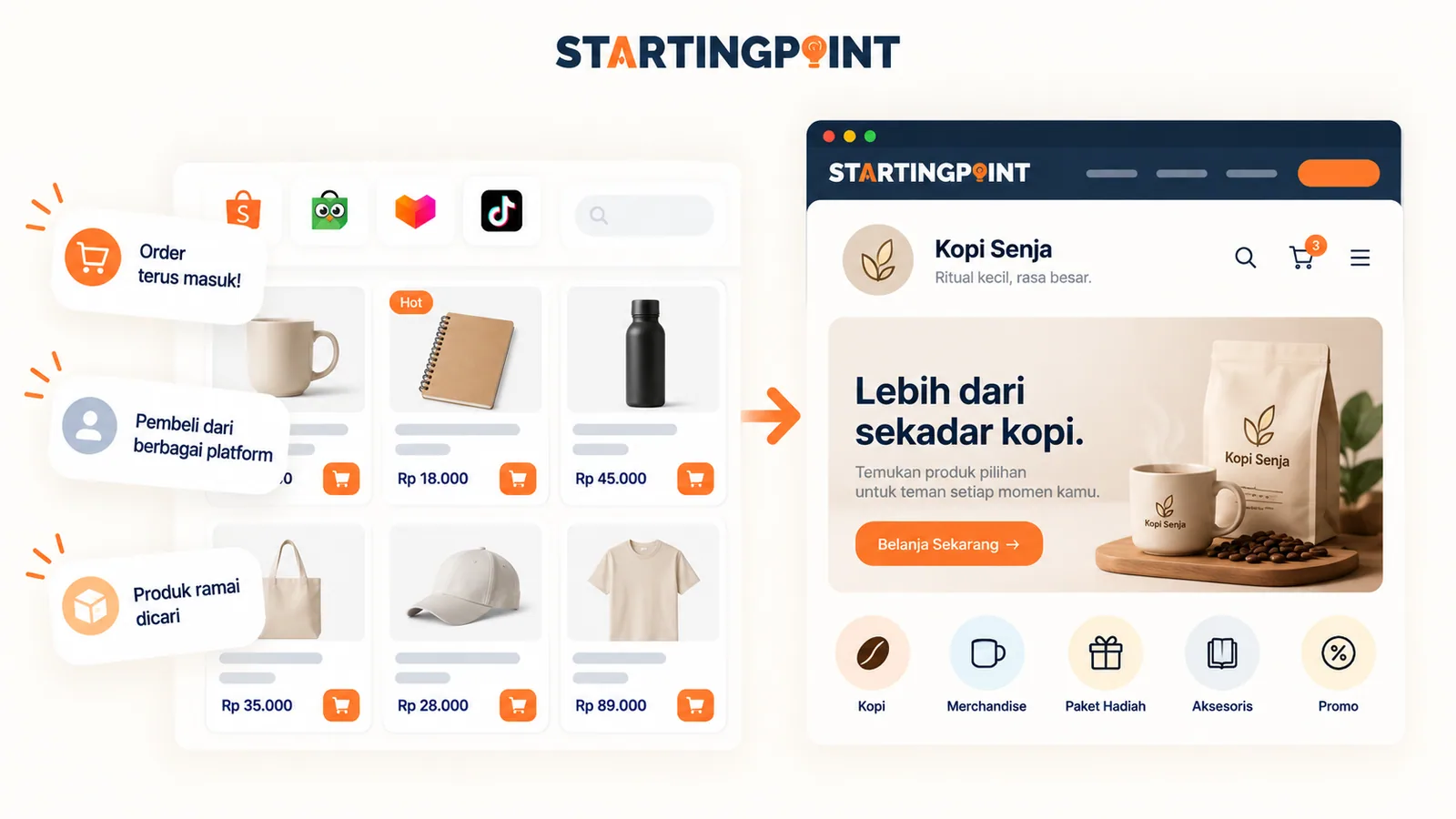
What Is a Business Website? Functions, Examples, and When a Small Business Needs One
Understand what a business website is, how it helps small businesses, examples of how it is used, and when a business needs its own site.
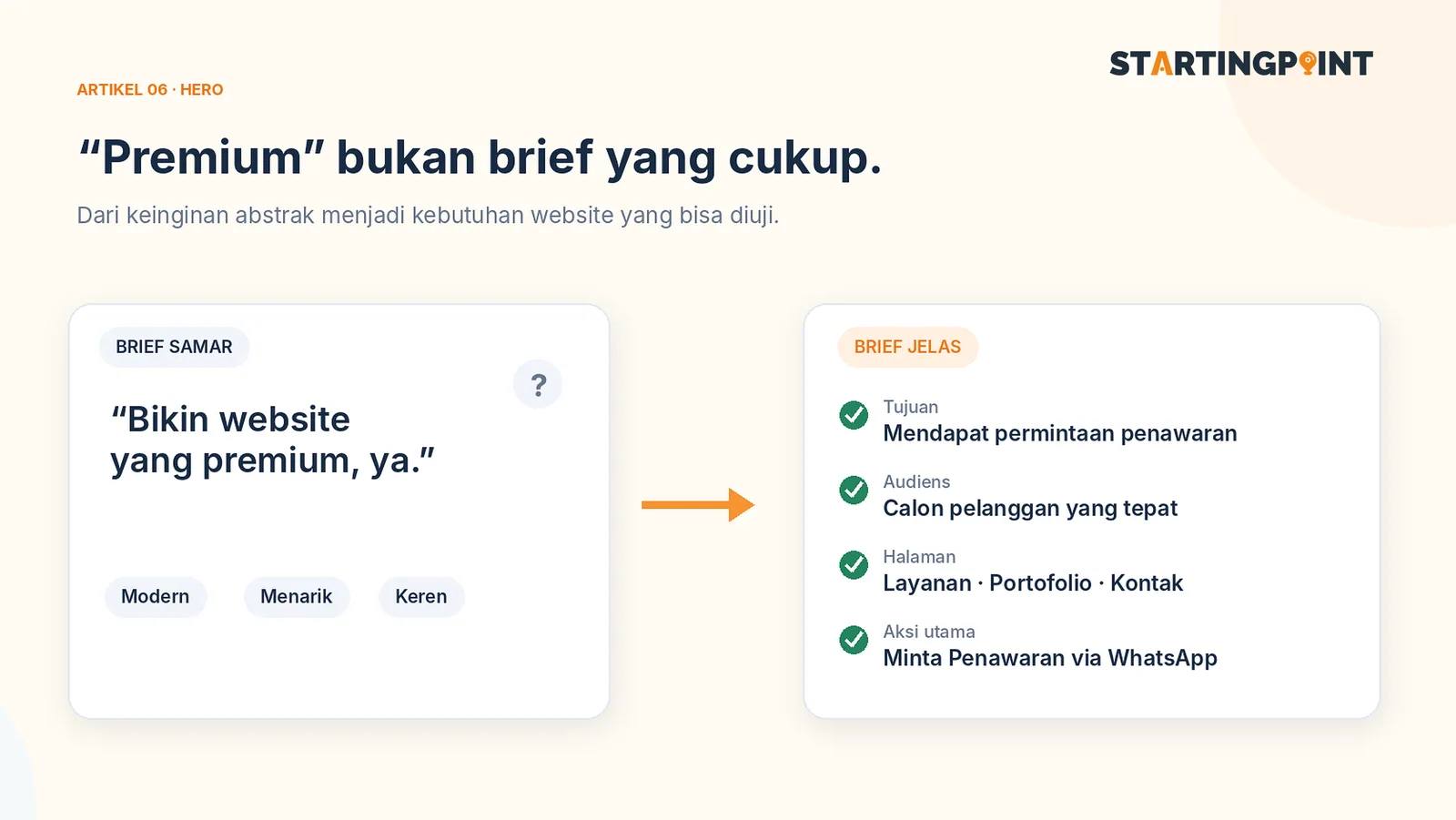
How to Write a Business Website Brief: A Checklist and Example You Can Use Right Away
Use a practical business website brief example: goals, target customers, features, content, CTAs, and what you need after the site goes live.
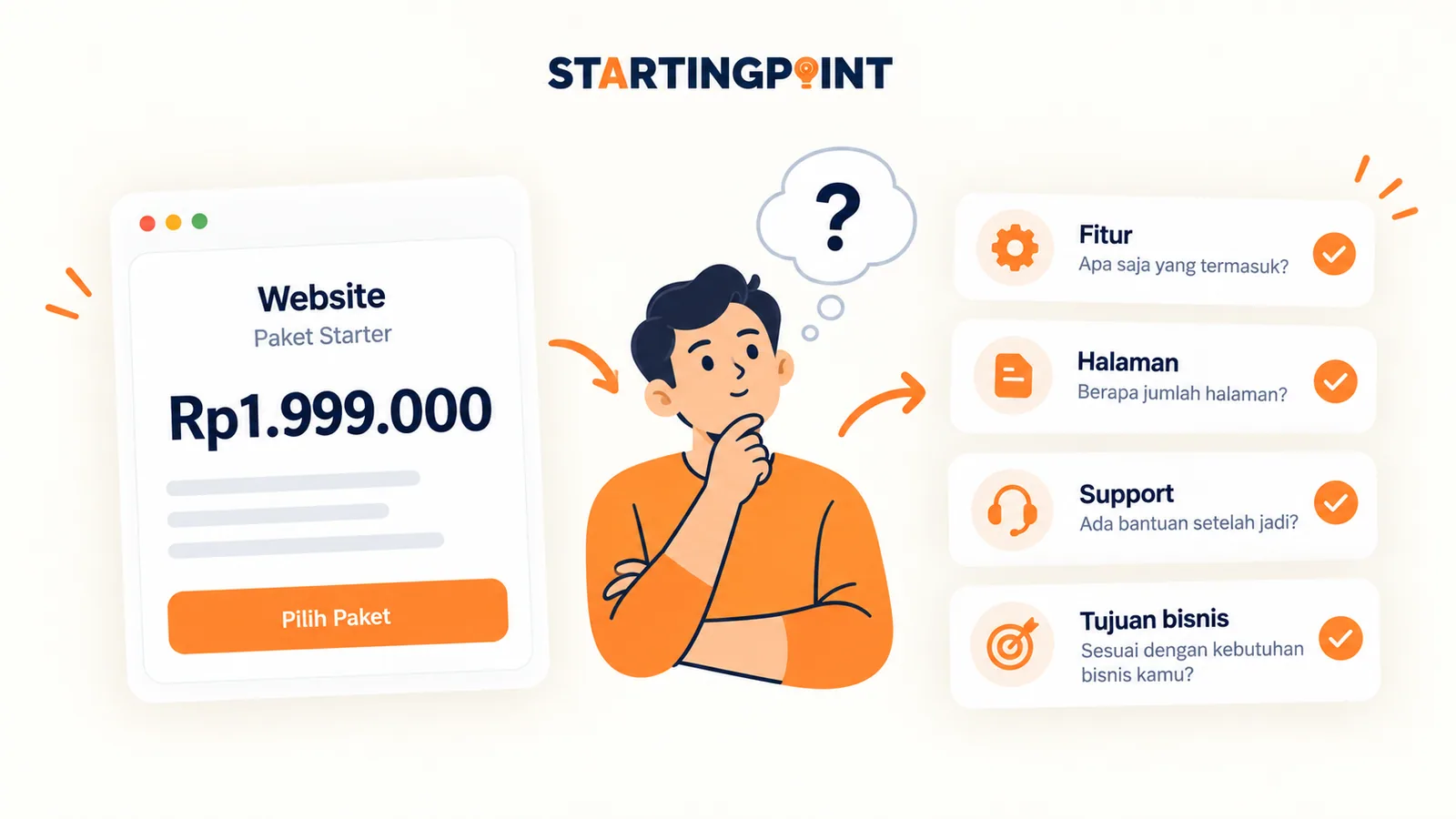
One-Time Payment vs Subscription Websites: Which Makes More Sense for Your Business?
One-time payment or subscription website? Learn the differences in cost, ownership, maintenance, and how to calculate the total.
START HERE
Ready to make your course platform work?
Tell us about your business and where it gets stuck. We'll help define the first step, without pushing features you don't need yet.
- Student accounts
- Class order
- Progress