
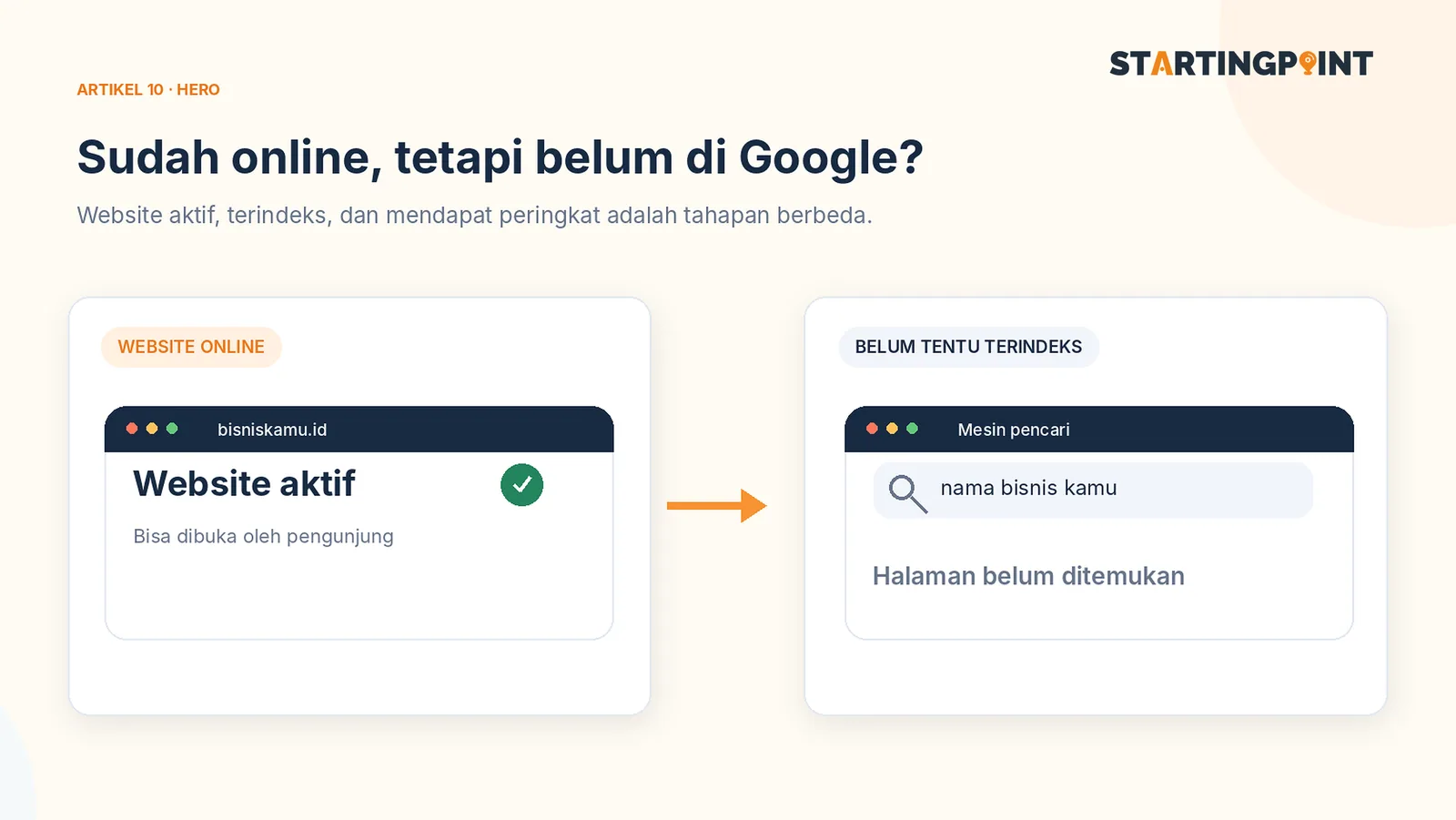
Your website opens fine through a link, but when you search for the business name on Google, it doesn't show up. Is the site broken? Not necessarily. A website being online, being found by search engines, being indexed, and ranking for a keyword are four different stages.
Understanding the differences helps you fix the right problem. Most importantly, there is no way to guarantee a website will immediately appear on the first page of Google.
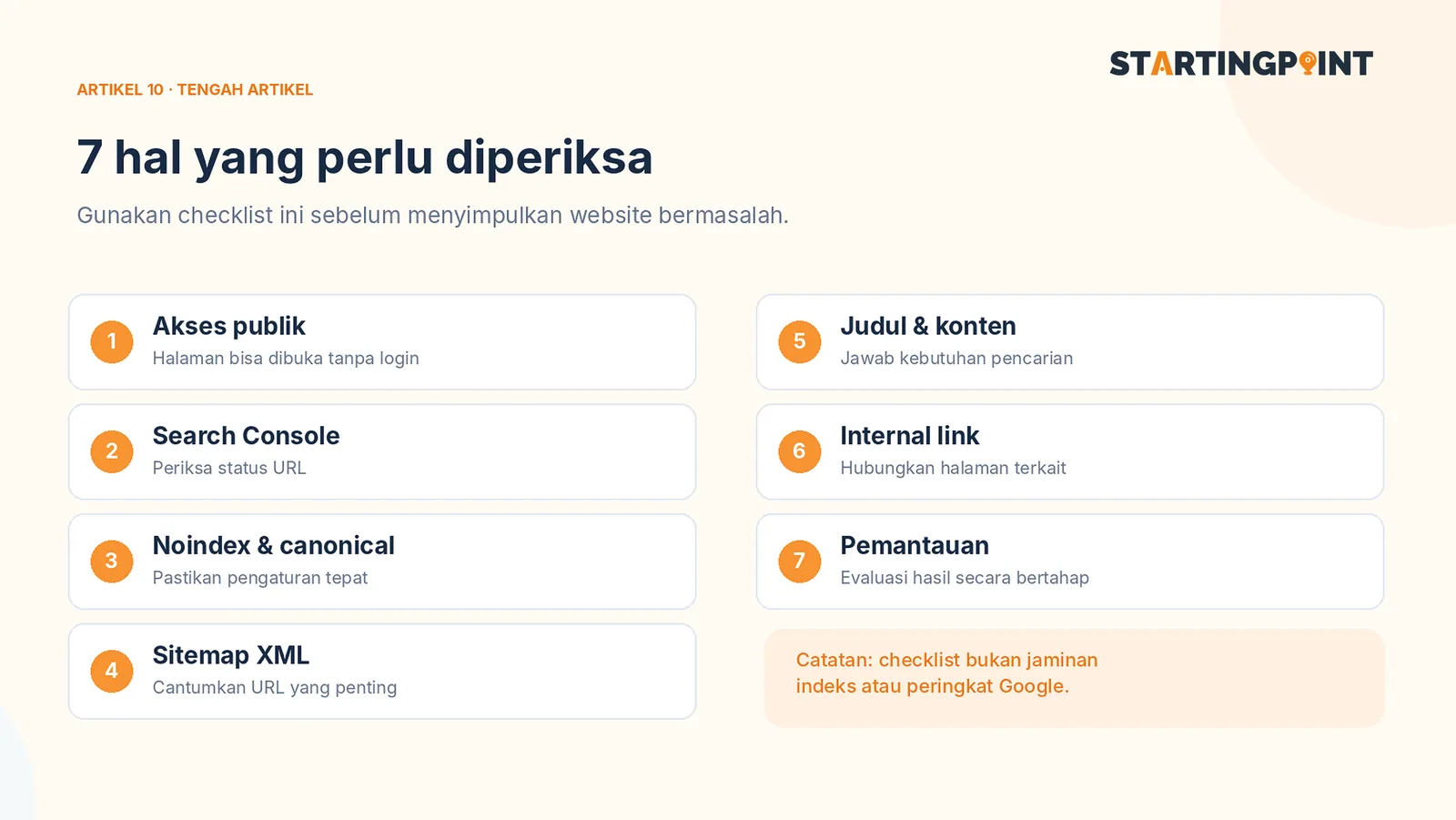
Stage 1: Make sure the page can actually be accessed
Try opening the website in a regular browser and in private mode. Check that the public URL loads the correct page, doesn't ask for a login, and doesn't redirect visitors to an irrelevant page.
For pages you want to appear on Google, check with your developer whether the page returns the correct HTTP status, isn't given a `noindex` instruction, and isn't blocked by settings that prevent crawlers from fetching important content.
If an article only appears after a certain interaction, or the main text isn't available in HTML that search engines can process, ask your technical team to review how the page is rendered.
Stage 2: Connect to Google Search Console
Google Search Console helps site owners see whether pages are found and whether there are indexing issues. Verify the domain or URL property following Google's instructions, then use the URL inspection feature to check a specific page.
This feature can show index status and provide a way to request indexing when appropriate. An indexing request is not a guarantee the page will enter search results immediately. Google decides its own crawling and indexing process.
Official documentation: Google Search Console.
Stage 3: Prepare a sitemap for important pages
An XML sitemap lists the URLs you want to introduce to search engines. For Startingpoint, when an article is published, the sitemap should ideally include the service pages and every article that is genuinely open to the public.
Only include final URLs you want indexed, and make sure the address matches the canonical used by that page. A sitemap helps discovery, not indexing. For small sites whose pages are all well linked, Google can also find pages through internal links.
Read the official Google sitemap guide.
Stage 4: Create one page for one search need
Don't force every article to target the phrase “website development services” over and over. Organize pages around clear needs:
- A service page answers what you offer, the scope of work, proof, and how to order.
- An article on “what is a domain” explains the concept and the cost and ownership implications.
- An article on “small business website costs” helps visitors plan a budget.
- An article on “online store vs marketplace” helps them choose an operational approach.
Each page needs a relevant title, structured headings, content that genuinely answers the question, and links that help readers continue to the next topic.
Stage 5: Use clear titles, meta descriptions, and links
SEO titles should mention the topic naturally. Meta descriptions help provide a summary, although Google may choose a different snippet for search results. Avoid writing ten articles with nearly identical titles.
Add internal links from your menu or article pages to new posts. Use descriptive link text such as “the difference between a domain and hosting,” not “click here” for everything. Make sure primary links are HTML links that crawlers can follow.
For images, use file names and alternative text that describe what the image shows. If an image is purely decorative, don't stuff the alt text with keywords.
Stage 6: Build proof, not just article volume
Articles that answer common questions are easy to find on many sites. To be more useful, add real business experience: anonymized brief examples, photos of permitted work, the design decisions you made, and the limits of a solution. Publishing many generic articles at once is not a better strategy than a few relevant, accurate ones.
When you cite price figures, note when those figures were checked. When you discuss Startingpoint features, make sure they match the current package.
Stage 7: Measure results and make improvements
After an article goes live, use Search Console to see which pages are found, which queries generate impressions, clicks, and trends over time. Don't immediately change every title just because the first few days are quiet. SEO needs enough observation so decisions aren't based on too small a sample.
If a page gets impressions but few clicks, evaluate whether the title matches the search. If visitors arrive but don't contact the business, check whether the article content fits, whether the CTA is clear, and the quality of the service you offer.
References: Google SEO Starter Guide and the guide to creating helpful, people-first content.
Conclusion
To get your website to show up on Google, start with accessible technical foundations, an article structure that answers real needs, and measurement through Search Console. An SEO article is not an instant ranking button. Articles are assets that need to be found, trusted, and maintained.
If your business doesn't yet have a website whose structure and content support those goals, explore custom website options from Startingpoint.