
07 / 09 3 min read
Digital invitation
Guests open the invitation on their phone and RSVP.
For weddings and events whose invitations are sent through chat. Date, venue, rundown, and guest confirmation live on one link. If the time changes, you do not need to send a new image to everyone.
Brief first, then build. No consultation fee.
- One link
- shared to groups and statuses
- RSVP
- attending, not attending, and number of guests
- Editable
- change the time or venue without reprinting
WHO IT'S FOR
Events whose guest list must be collected.
Weddings
More than one event, a venue map, and guests who need to respond.
Birthdays and gatherings
A short invitation, but still needs confirmation of the number of people.
Community events
Special events, seminars, or organization events with limited seating.
THE PROBLEM
An invitation image does not collect answers.
An image invitation still has to be explained again when someone asks about the location, dress code, or whether children can come.
Changes do not reach everyone
The time moves by an hour. The old image keeps circulating in groups.
Guest replies are scattered
Some reply to a story, some in private chat, some not at all. Seating is guessed.
Hard to read on a phone
Text in the image is small. Guests zoom in to find the street name.
One design for every guest
Sometimes the guest’s name needs to be printed. Editing hundreds of images is not realistic.
- Family group attending
- Private chat bringing 3
- Story never read
- Attending 64
- Not attending 12
- No reply 30
One source anyone can open, not answers buried in chat.
WHAT WE BUILD
The invitation areas guests actually use.
01
Cover
Event name, date, and the invited guest’s name if the link is personal.
02
Event details
Ceremony, reception, or other sessions: time, dress code, and notes.
03
Location
Written address plus a map link that opens on a phone.
04
RSVP
Attending or not, number of people, and a short message. Answers go to a list, not to chat.
05
Rundown and gifts
Only if the event needs them. Bank details or a gift list are not added unless requested.
06
Music and gallery
Optional. They do not replace the more important details: time and venue.
HOW IT WORKS
From receiving the link to a name appearing on the list.
- 01
Open the link
Guests do not need to download an app.
- 02
Read the event
Time, venue, and rules are read on the page, not in a caption.
- 03
RSVP
Name and number of people are saved.
- 04
Check the list
Before the event, attendance can be counted without copying chats.
The flow above can adapt to how you work. If a step doesn't fit, we change it in the brief.
Discuss your flowWHAT YOU PREPARE
Event data is locked before design.
- Event name, date, time for each session, and dress code.
- Full address and map pin.
- Estimated number of guests, and whether guest names need to be printed on the invitation.
- Photos, music, and text you actually want to show.
Not everything ready? Send what you have, and we'll help organize the rest.
The invitation ends when the event ends.
This is not a company website and not a souvenir store. The guest list is for the organizers, not a paid ticketing system. If the event sells seats with payment on the website, that is discussed as booking or a store.
LIVE EXAMPLES
MORE DETAIL
Before choosing a digital invitation
A digital invitation fits when guests need event details and a way to confirm attendance in one link.
When it fits
When guests are spread out, there are several event sessions, and seat count matters. Not for selling paid tickets.
What it prevents
Time or location changes appear on the same link. Guest replies go into a list, not scattered chats.
How to measure it
Track RSVPs, guest count, map clicks, and whether changes reach the guests.
COMMON QUESTIONS
Digital invitation questions
Three decisions before the invitation is shared.
Yes. Personal links are created according to the agreed guest list.
Still have a question?
Tell us what you need. We'll help you choose the package that makes the most sense for your business.
Free consultationRELATED ARTICLES
Read before choosing this service.
Short guides to help you compare before deciding.
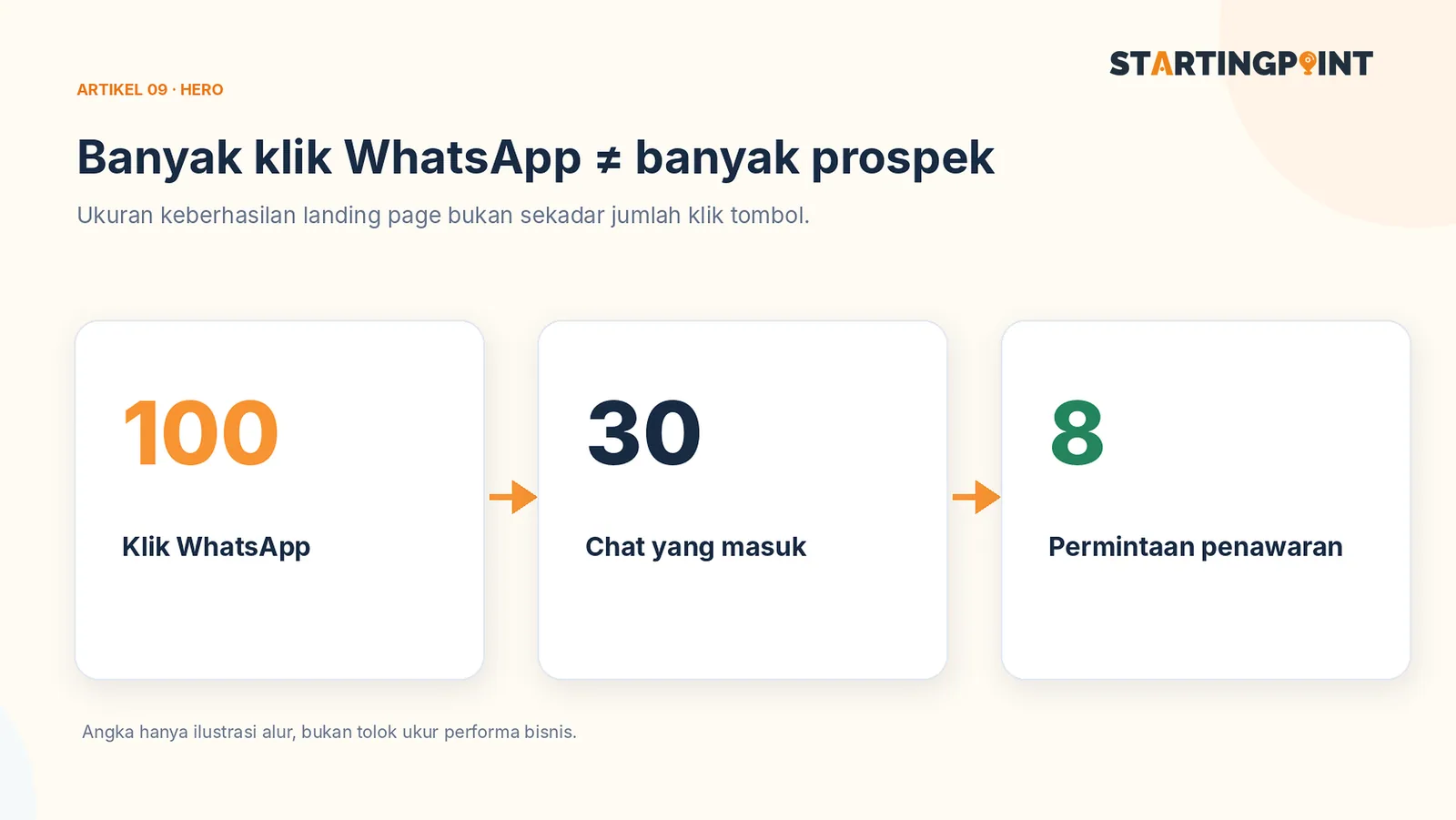
Landing Page for WhatsApp Business: It's More Than a Chat Button—Here's the Structure You Need
Learn the landing page structure that drives visitors to WhatsApp: headline, proof, FAQ, CTA, and lead measurement.
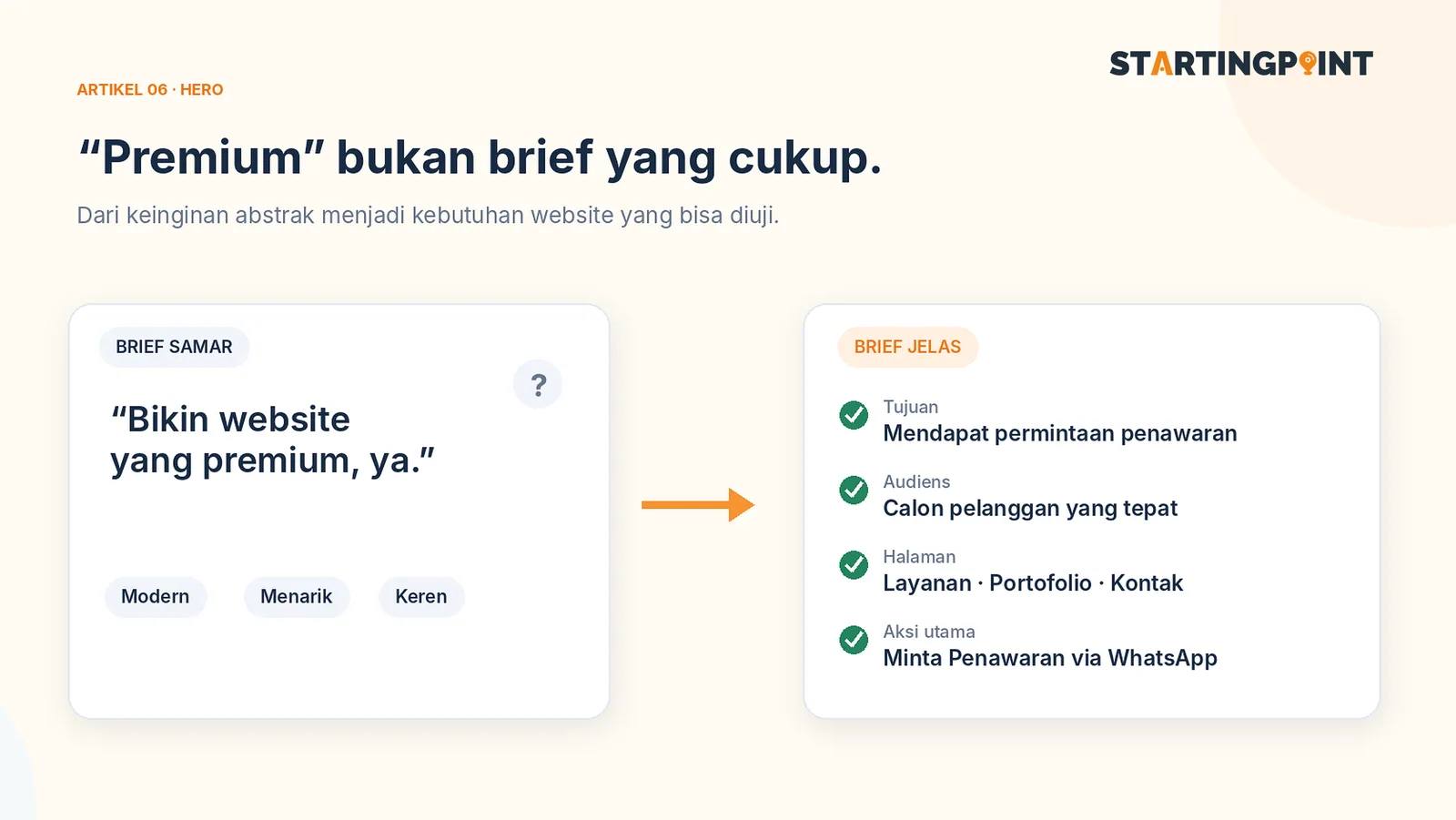
How to Write a Business Website Brief: A Checklist and Example You Can Use Right Away
Use a practical business website brief example: goals, target customers, features, content, CTAs, and what you need after the site goes live.
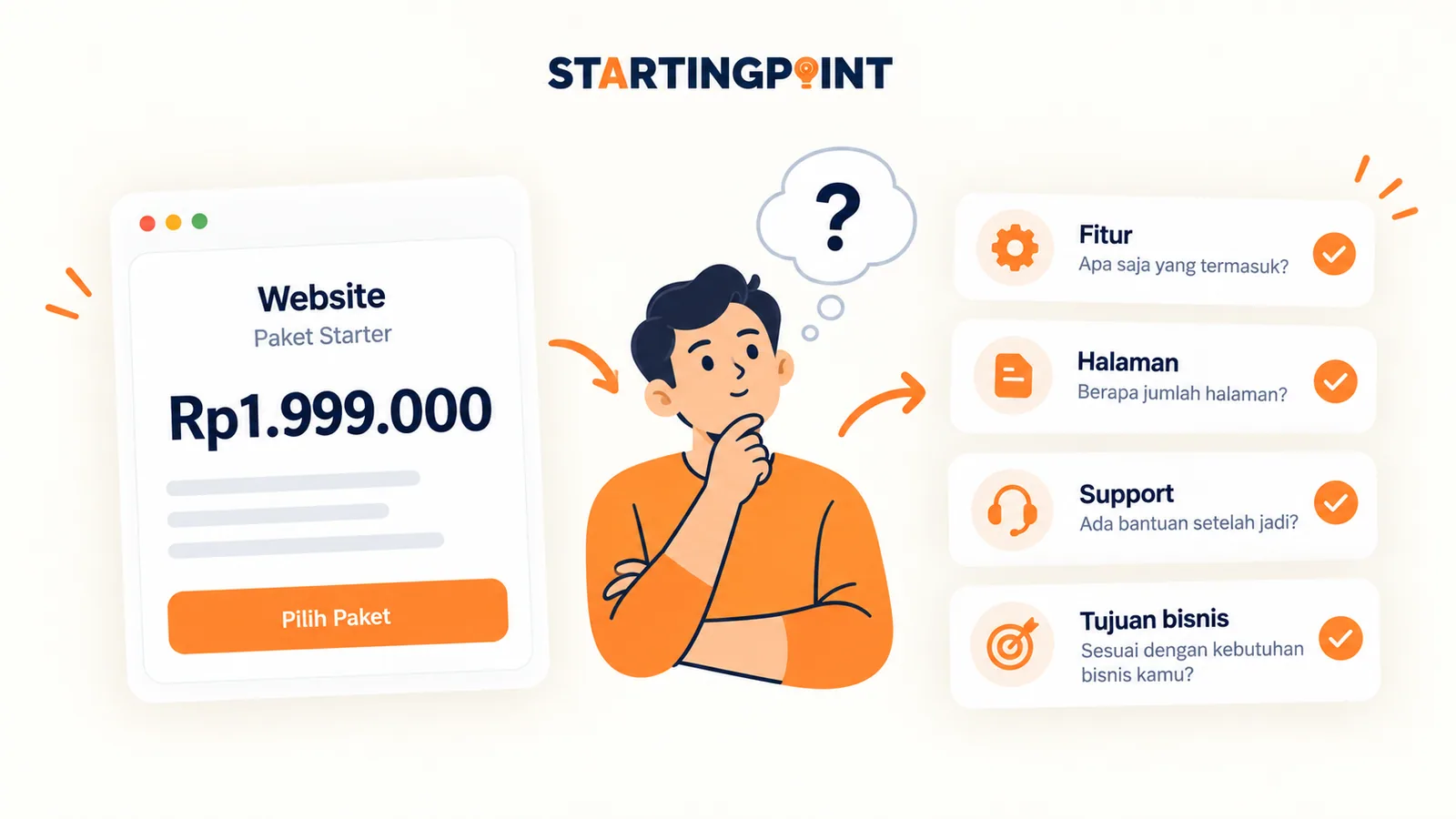
One-Time Payment vs Subscription Websites: Which Makes More Sense for Your Business?
One-time payment or subscription website? Learn the differences in cost, ownership, maintenance, and how to calculate the total.
START HERE
Ready to make your digital invitation work?
Tell us about your business and where it gets stuck. We'll help define the first step, without pushing features you don't need yet.
- One link
- RSVP
- Editable