
09 / 09 3 min read
Custom app
Office workflows follow your business, not an off-the-shelf app.
For stock, approvals, daily reports, or staff roles whose spreadsheets already collide. This is used by the internal team, not website visitors. The scope is written first, then built in stages.
Brief first, then build. No consultation fee.
- Brief first
- workflow steps agreed before work begins
- Access rights
- staff, supervisors, and owners do not see the same things
- Phased
- the most stuck part is built first
WHO IT'S FOR
Teams whose work gets stuck in shared files.
Stock and warehouse
Incoming goods, outgoing goods, and remaining stock must match for everyone.
Approvals
Leave requests, purchases, or discounts that must go through a manager.
Daily reports
Branches or staff enter the same numbers every day, then the owner sees the summary.
THE PROBLEM
The shared spreadsheet can no longer be trusted.
Not because the formulas are wrong. Because many people edit it, and no one records who changed what.
Numbers differ between files
Warehouse admin, cashier, and owner hold different copies.
No audit trail
Stock drops. No one knows who changed it or when.
Apps that nobody uses
Lots of features, but the steps do not match how this store or office works. Staff return to Excel.
One person becomes the source of truth
If they are absent, nobody else dares to change the data.
- Warehouse 48 left
- Cashier 41 left
- Owner 52 left
- Rice 5 kg 48 left
- Changed by Rina 16:40
- Cashier staff cannot change stock
One source anyone can open, not answers buried in chat.
WHAT WE BUILD
What is defined in scope, not an unagreed feature list.
01
User roles
Who enters data, who approves, and who only views reports.
02
Work forms
The fields actually used today: item, quantity, branch, or status.
03
Status
For example submitted, approved, rejected, completed. Transitions that should not happen are blocked.
04
Lists and filters
Staff find today’s data instead of scrolling through thousands of rows.
05
Summaries
The numbers the owner needs: per day, per branch, or per status.
06
History
Important changes record who and when, so discrepancies can be traced.
HOW IT WORKS
From telling the problem story to using the first part.
- 01
Tell the workflow
Who enters what, who must approve, and where mistakes happen today.
- 02
Cut the scope
Build the part that goes wrong most often first. The rest follows.
- 03
Try it with real data
Staff use a preview with their own example transactions, not fake data that is too tidy.
- 04
Use it, then add
After that part works, add the next report or role.
The flow above can adapt to how you work. If a step doesn't fit, we change it in the brief.
Discuss your flowWHAT YOU PREPARE
What to bring to the consultation.
- Who uses it, and what each person is allowed to see.
- Examples of the files used today, including the messy ones.
- One transaction from start to finish, told in order.
- Things that must never happen, such as negative stock or a discount without approval.
Not everything ready? Send what you have, and we'll help organize the rest.
Not a profile page and not a storefront.
A custom app is used by the internal team. Its contents follow the roles, forms, and reports agreed. Adding sections after launch counts as new work.
LIVE EXAMPLES
MORE DETAIL
Before choosing a custom app
A custom app is used internally when shared spreadsheets conflict and approvals are not traceable.
When it fits
When stock, approvals, or daily reports are no longer trustworthy because too many people edit the same files.
Why it is built in stages
Scope is written first, then the most blocked process is built. Features that will not be used are not forced in.
How to measure it
Track the time to complete one process, data discrepancies, staff adoption, and report timeliness.
COMMON QUESTIONS
Custom application questions
Three things to clarify before development starts.
Yes. The first module is chosen based on the most urgent problem.
Still have a question?
Tell us what you need. We'll help you choose the package that makes the most sense for your business.
Free consultationRELATED ARTICLES
Read before choosing this service.
Short guides to help you compare before deciding.
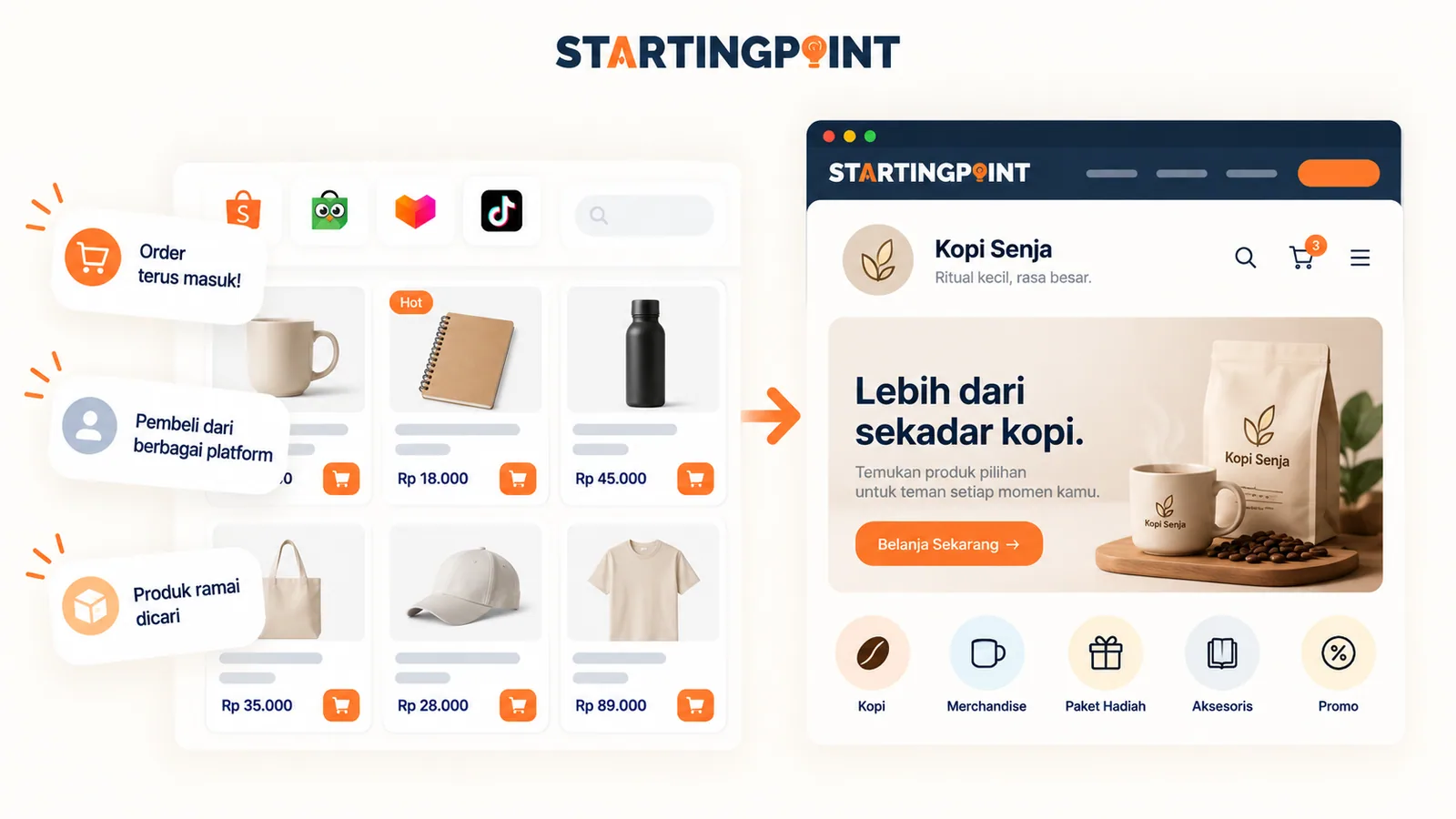
What Is a Business Website? Functions, Examples, and When a Small Business Needs One
Understand what a business website is, how it helps small businesses, examples of how it is used, and when a business needs its own site.
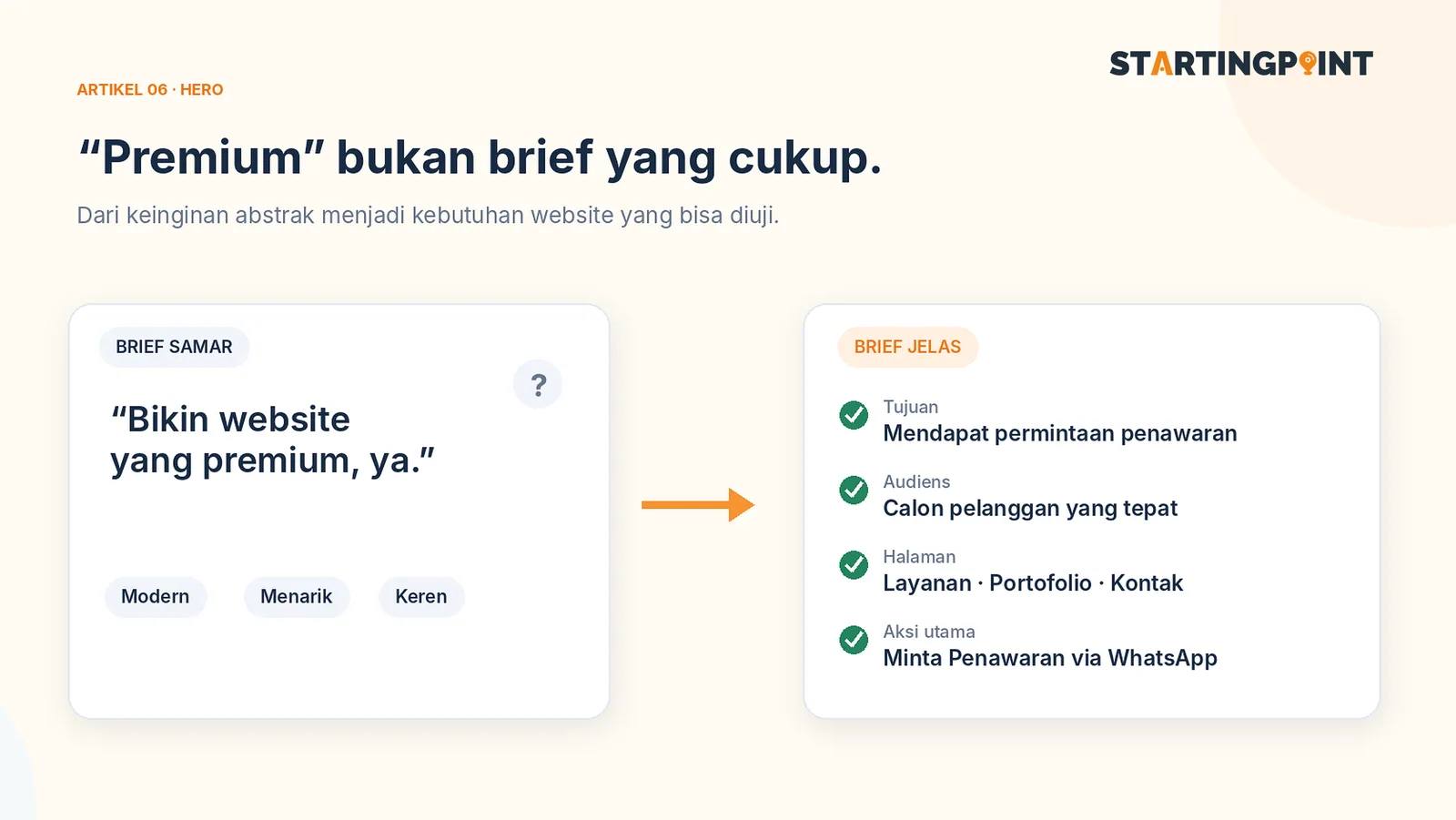
How to Write a Business Website Brief: A Checklist and Example You Can Use Right Away
Use a practical business website brief example: goals, target customers, features, content, CTAs, and what you need after the site goes live.

One-Time Payment vs Subscription Websites: Which Makes More Sense for Your Business?
One-time payment or subscription website? Learn the differences in cost, ownership, maintenance, and how to calculate the total.
START HERE
Ready to make your custom app work?
Tell us about your business and where it gets stuck. We'll help define the first step, without pushing features you don't need yet.
- Brief first
- Access rights
- Phased