
08 / 09 3 min read
Rental
Renters see available units before they ask.
For cars, motorcycles, equipment, rooms, shophouses, or other items whose availability changes. Each unit has photos, price, terms, and status. Units currently rented are marked and cannot be requested.
Brief first, then build. No consultation fee.
- Per unit
- photos, prices, and terms are kept separate
- Status
- available, rented, or hidden
- Rental dates
- start and end dates entered by the renter
WHO IT'S FOR
Rental businesses whose catalog currently lives in a chat gallery.
Vehicles
Cars or motorcycles with daily rates, license requirements, and deposits.
Short-term property
Rooms, apartments, shophouses, or spaces rented monthly or daily.
Equipment
Cameras, tents, sound systems, or machines with stock per item.
THE PROBLEM
Units that are already out are still sent to prospects.
When the rental list lives in gallery photos, nothing marks an item as currently in use.
Outdated catalog
The admin sends 15 photos. Five of them have been rented since yesterday.
Inconsistent prices
Two admins quote different rates for the same unit.
Terms are mentioned late
Deposits, ID requirements, or area restrictions only appear after the renter agrees.
Double-booked dates
Two renters get the same unit because the notes live in two chats.
- Avanza already out
- Brio different price
- Innova terms mentioned late
- Avanza available
- Brio rented
- Innova May 12–14
One source anyone can open, not answers buried in chat.
WHAT WE BUILD
The pages used before a rental happens.
01
Unit list
Photo, name, daily or monthly price, and status.
02
Unit page
Specifications, rental terms, what is included, and what the renter covers.
03
Dates
Renters enter start and end dates. Requests that overlap an existing rental are rejected.
04
Rental form
Name, contact, purpose, and usage location if relevant.
05
Admin panel
You change unit status without editing the design.
06
General terms
One page for deposits, penalties, and handover times, so they do not have to be retyped.
HOW IT WORKS
From choosing a unit to holding the dates.
- 01
See what is open
Renters do not open units that are currently rented.
- 02
Read the terms
Price, deposit, and restrictions are on the unit page.
- 03
Request dates
Start, end, and personal details are submitted together.
- 04
You lock it
After approval, another renter cannot take those dates.
The flow above can adapt to how you work. If a step doesn't fit, we change it in the brief.
Discuss your flowWHAT YOU PREPARE
One complete row per unit.
- Unit name, price, and rental time unit.
- A photo for each unit, not one photo for all.
- Terms: documents, deposit, area, and penalties.
- Handover method: pickup, delivery, or viewing on site.
Not everything ready? Send what you have, and we'll help organize the rest.
Not GPS tracking and not fleet accounting.
The website shows availability and accepts rental requests. Live vehicle location, servicing, and profit reports are not included. Those are a custom app if you really need them.
LIVE EXAMPLES
Examples for this service are discussed during the consultation.
Free consultationMORE DETAIL
Before choosing a rental website
A rental website fits when units are numerous, availability changes quickly, and photo catalogs in chat are no longer reliable.
When it fits
When renters need to see available units, prices, and terms before asking. Not when everything is scattered across chat galleries.
What it prevents
Unit status, rental dates, and terms live on the page. A unit that is already rented cannot be requested.
How to measure it
Track rental requests, available units, cancellations, and overlapping-date incidents.
COMMON QUESTIONS
Rental website questions
What shapes the catalog and rental form.
Yes. Dates that are already booked are rejected during the request.
Still have a question?
Tell us what you need. We'll help you choose the package that makes the most sense for your business.
Free consultationRELATED ARTICLES
Read before choosing this service.
Short guides to help you compare before deciding.
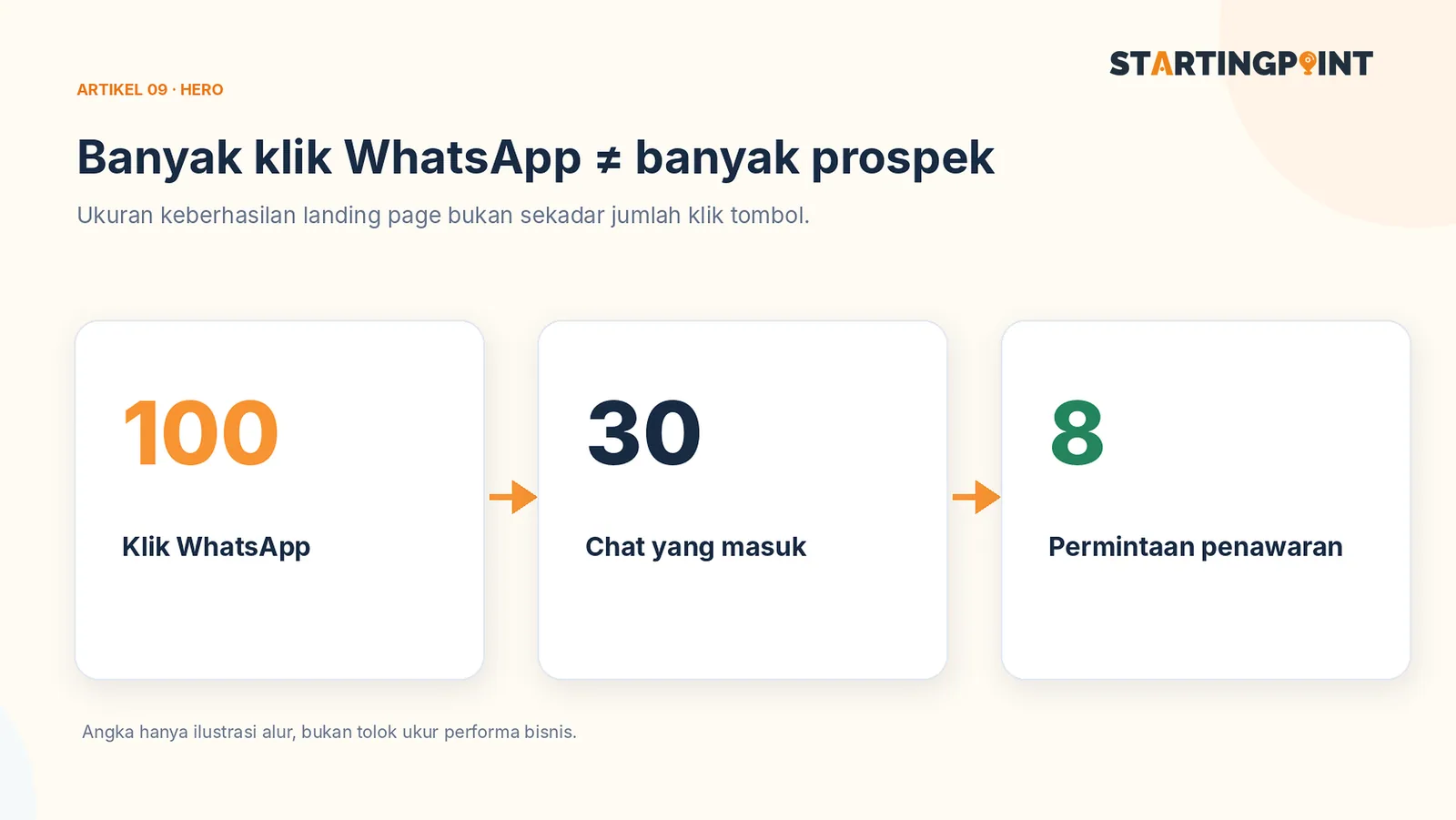
Landing Page for WhatsApp Business: It's More Than a Chat Button—Here's the Structure You Need
Learn the landing page structure that drives visitors to WhatsApp: headline, proof, FAQ, CTA, and lead measurement.
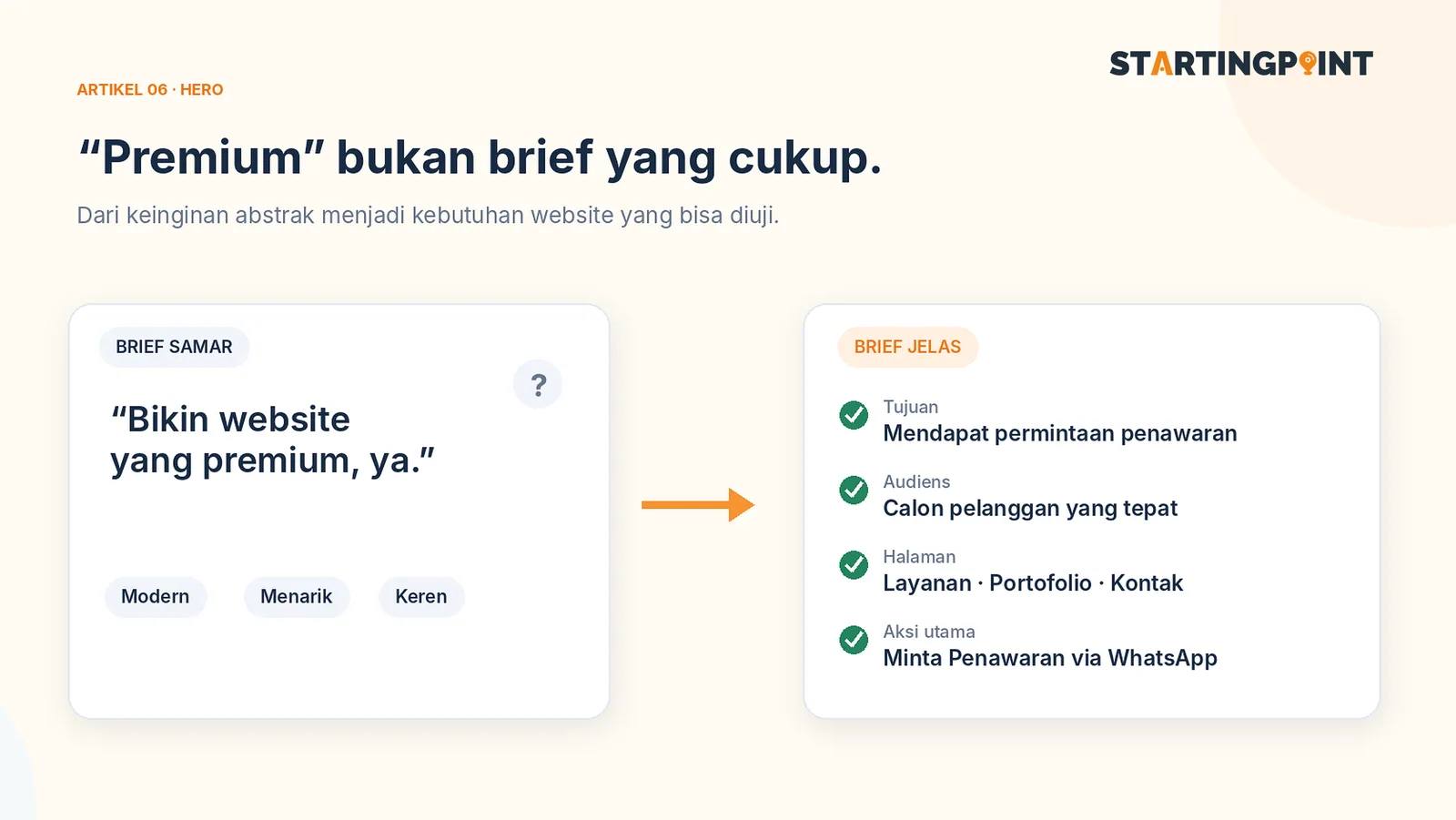
How to Write a Business Website Brief: A Checklist and Example You Can Use Right Away
Use a practical business website brief example: goals, target customers, features, content, CTAs, and what you need after the site goes live.

One-Time Payment vs Subscription Websites: Which Makes More Sense for Your Business?
One-time payment or subscription website? Learn the differences in cost, ownership, maintenance, and how to calculate the total.
START HERE
Ready to make your rental work?
Tell us about your business and where it gets stuck. We'll help define the first step, without pushing features you don't need yet.
- Per unit
- Status
- Rental dates