
02 / 09 4 min read
Online store
Buyers pay in your store, with no marketplace fees.
A catalog, cart, checkout, and order panel on your own website. Your marketplace can keep running. This store is for buyers who already look for your brand, or for products that do not fit a platform storefront.
Brief first, then build. No consultation fee.
- Catalog
- photos, prices, stock, and variants
- Checkout
- buyers complete the order on your website
- Order panel
- new, paid, shipped, or completed
WHO IT'S FOR
For businesses that already have products and prices.
Physical products
Clothing, packaged food, tools, or other items with variants, stock, and shipping.
Digital products
E-books, presets, recordings, or files delivered after payment is complete.
Brands people already know
Buyers come from Instagram or WhatsApp and should not have to shop through a marketplace again.
THE PROBLEM
A “ready?” chat is not a store.
When prices, stock, and payments live in chat, every order depends on who is replying.
Variants are asked one by one
Size, color, and stock are answered manually. Buyers who do not get a reply move to another store.
Payments are scattered
Transfer receipts live in many chats. Paid and unpaid orders are hard to separate.
Marketplaces take a cut and set limits
Platform fees apply to every transaction. Product pages also do not match your brand.
Digital files are sent manually
After payment, an admin still searches for a Drive link and sends it one by one.
- Black shirt L unpaid
- Canvas bag separate receipt
- Hat stock asked again
- #184 Shirt L paid
- #185 Bag packed
- #186 Hat waiting
One source anyone can open, not answers buried in chat.
WHAT WE BUILD
The store areas buyers and admins use.
01
Catalog
Categories, photos, prices, stock, and variants. Sold-out products can be hidden or marked.
02
Product page
Description, selectable variants, and a note if there is a purchase limit.
03
Cart and checkout
Buyers enter their name, contact details, and address for physical goods, then complete payment.
04
Orders in admin
Order status is visible: new, paid, shipped, or completed. Not a separate spreadsheet list.
05
Digital products
Files are attached to a product and become available after payment is complete.
06
Shipping and payment
Payment methods and shipping follow what is agreed in the brief.
HOW IT WORKS
From opening the catalog to an order reaching the admin.
- 01
Choose a product
Buyers filter by category or open an item shared through a link.
- 02
Choose a variant
Size, color, or file type is selected on the product page, not asked in chat.
- 03
Pay
Checkout collects the address or email, then payment.
- 04
Admin processes it
The order appears in the panel. Physical goods are shipped, digital goods are released based on payment status.
The flow above can adapt to how you work. If a step doesn't fit, we change it in the brief.
Discuss your flowWHAT YOU PREPARE
What must be clear before the store is built.
- Product list: name, price, photo, stock, and variants.
- Product type: physical, digital, or both.
- The payment method you want to use and who receives the funds.
- Shipping rules, delivery areas, and whether pickup is available.
Not everything ready? Send what you have, and we'll help organize the rest.
This store is not a marketplace and not an ERP.
One store for one business. There are no commissions from other sellers, no multi-branch warehouse, and no full accounting. If you need internal stock records without a storefront, that is a custom app.
LIVE EXAMPLES
Examples for this service are discussed during the consultation.
Free consultationMORE DETAIL
Before choosing an online store
An online store works when products, prices, and stock are clear and buyers need to complete an order without waiting for an admin.
When it fits
When buyers already come from Instagram, WhatsApp, or Google and your products have variants, stock, or digital files. Not a marketplace replacement overnight.
What makes it different
Catalog, checkout, and order panel are built for one business. Buyers see variants and order status without waiting for a chat reply.
How to measure it
Track completed checkouts, abandoned carts, repeat orders, and the time your admin needs to process orders.
COMMON QUESTIONS
Online store questions
What to clarify before the catalog and checkout are built.
Yes. The provider and transaction fees are discussed during the brief, including who receives the funds.
Still have a question?
Tell us what you need. We'll help you choose the package that makes the most sense for your business.
Free consultationRELATED ARTICLES
Read before choosing this service.
Short guides to help you compare before deciding.
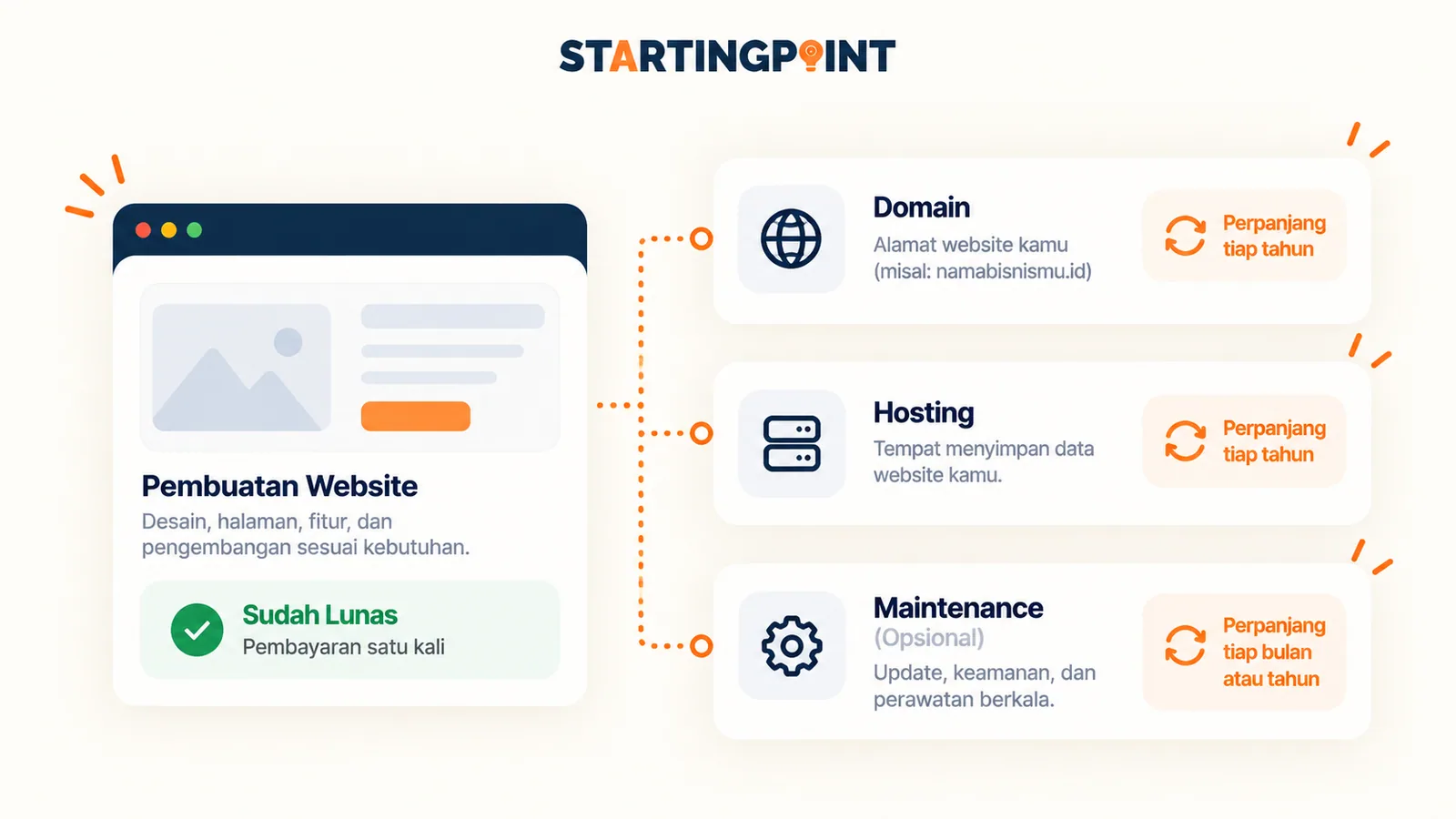
Domain, Hosting, and Website: What's the Difference and What Do You Actually Pay For?
Domain, hosting, and website are three different things. Learn what each does, which costs recur, and how to check ownership of your digital assets.
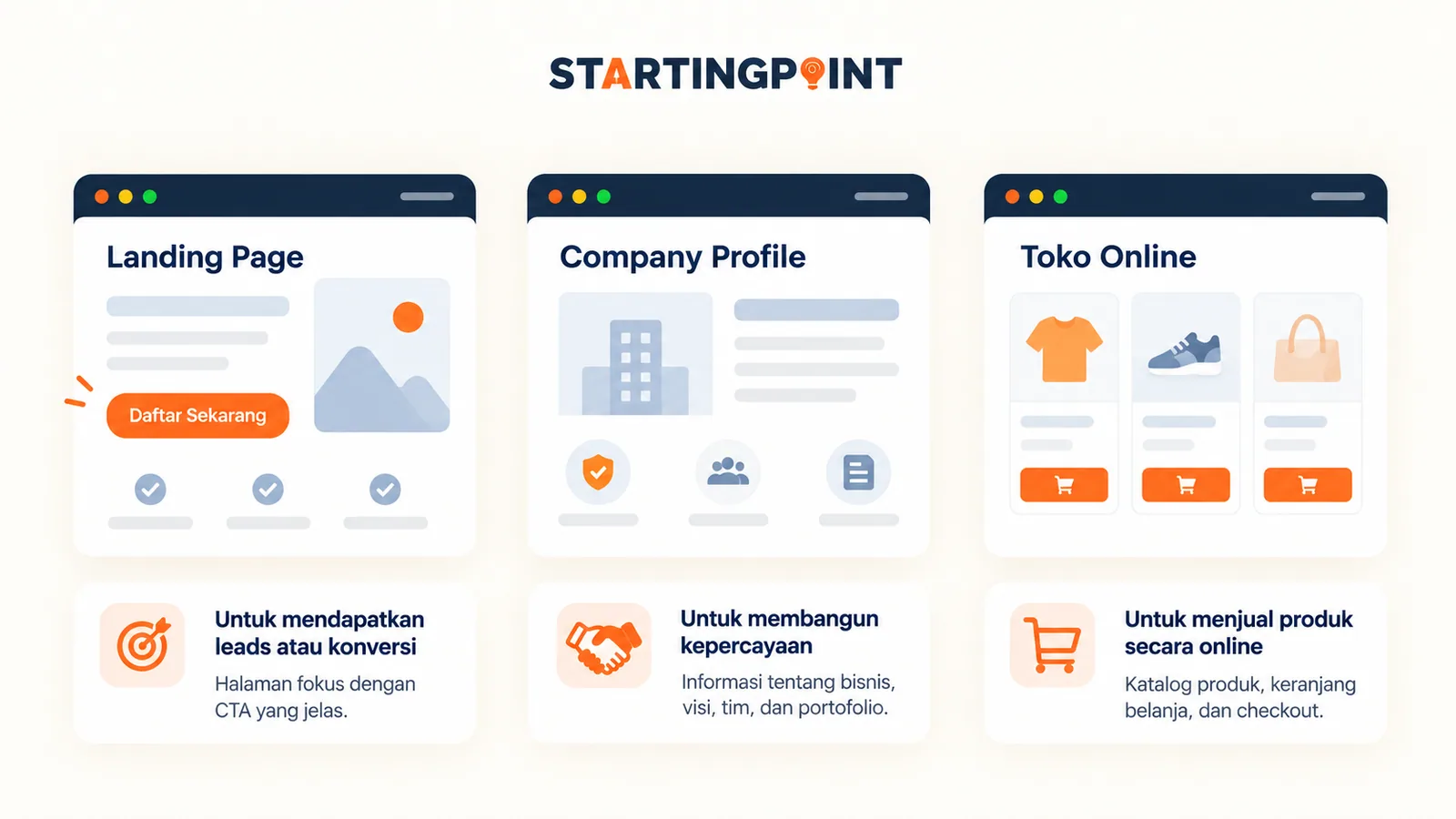
Landing Page vs Company Profile vs Online Store: Which Is Right for Your Business?
Not sure whether to choose a landing page, company profile, or online store? Compare their functions, features, and the businesses they suit best.
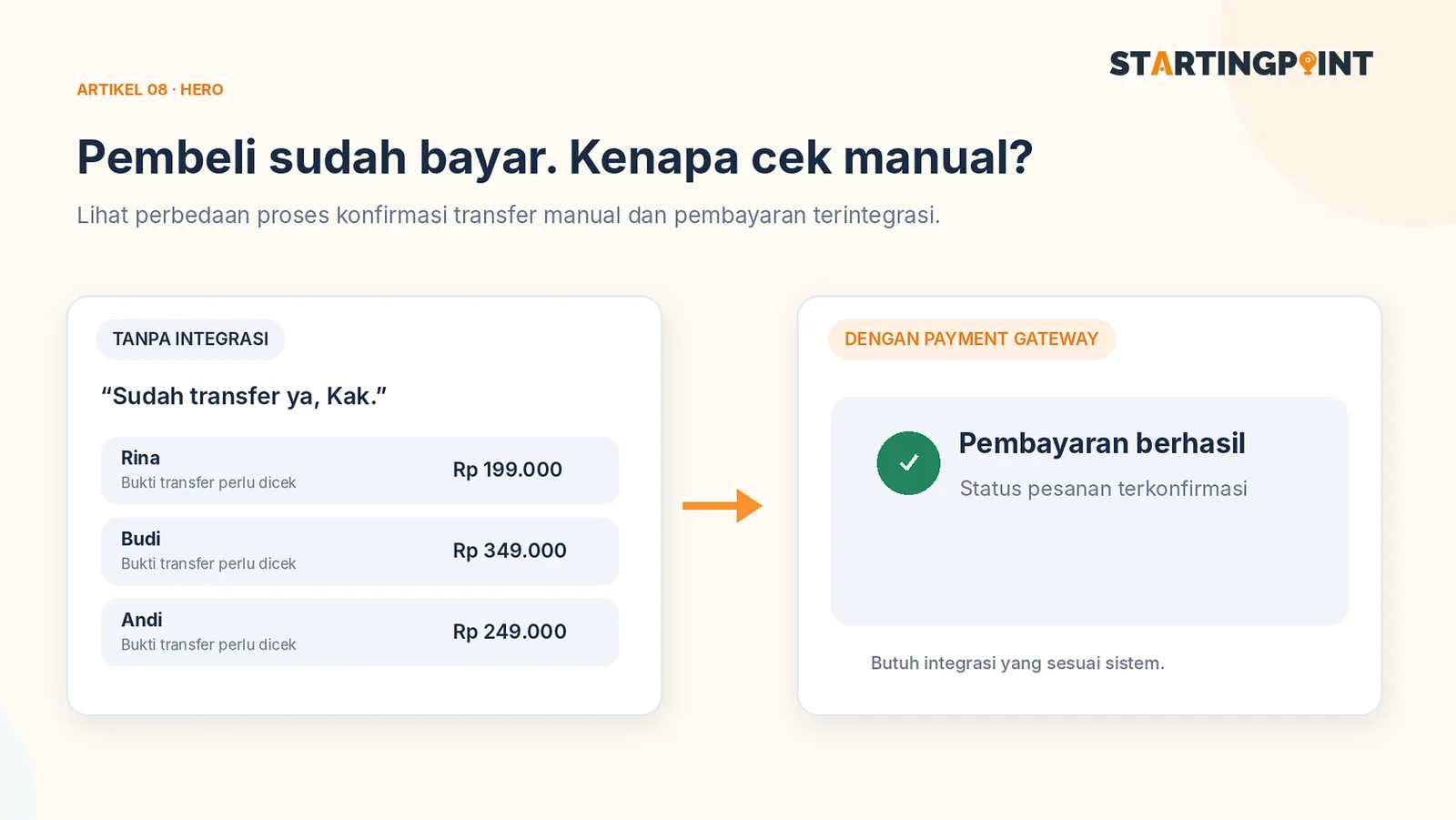
Online Store with a Payment Gateway: How It Works, Key Features, and What to Check
Want an online store with automatic payments? Understand the checkout flow, third-party fees, order statuses, and the features you must check.
START HERE
Ready to make your online store work?
Tell us about your business and where it gets stuck. We'll help define the first step, without pushing features you don't need yet.
- Catalog
- Checkout
- Order panel